

Hours (avg.) of manual work saved each month
error free JE reconciliation
of all ERP systems are supported
decrease in manual data syncs
Fast. Tailored. automated
Your JE file is generated automatically when you approve your payroll summary. It’s quick, accurate, and works with any ERP – the best way to handle your accounting needs.
Yes, we CAN call ourselves leaders. We’ve earned it.


Setting up the integration was easy; the format of the JEs fits directly into our NetSuite’s template, and once it was up and running, we could post payroll journals automatically

Boost productivity and performance.
Papaya’s global payroll and payments technology covers it all. So you can focus on what matters — your business.
What steps are involved in setting up Journal Entries (JE) for payroll data in Papaya Global?
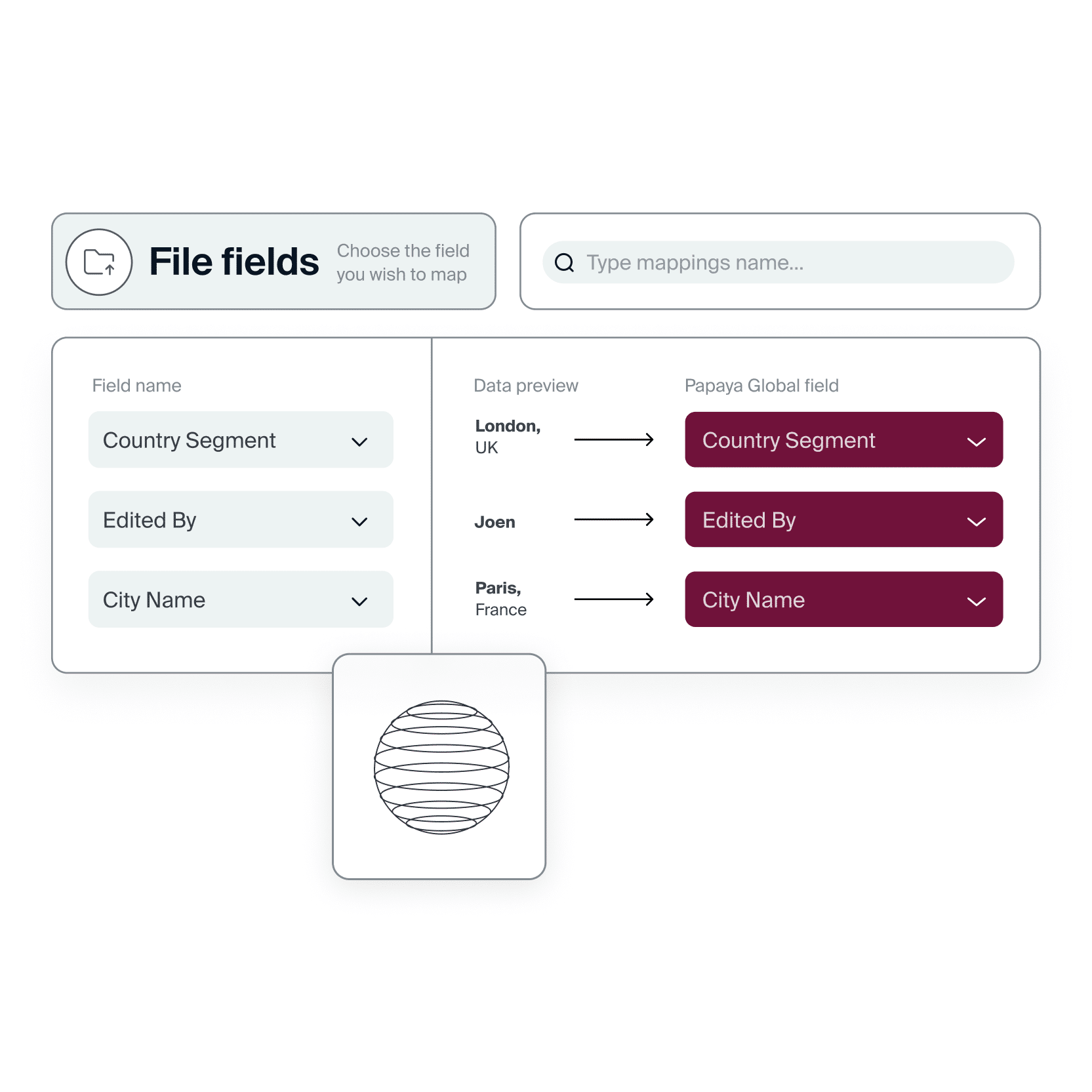
To set up Journal Entries in Papaya Global, you must provide a JE sample with field explanations and complete GL mapping after receiving the Payroll Summary. The JE sample and GL mapping details should be sent to your account manager. Go to our support page for more details
What is the ongoing process for automatic JE reconciliation for EOR?
– With each invoice generated, the client gets corresponding entries.
– They are uploaded to the platform in an Excel format
– Before uploading JE Report to the platform, the report will go through the audits below:
a. Are the Debit and Credit in balance?
b. Has every item been mapped according to the client’s chart of accounts?
c. If there is a new worker – are there missing departments/ cost centers?
What’s the timeline for setup?
We need 2 weeks to build the code with RPA and to confirm mapping with the client.
What’s needed from the client prior to onboarding?
1. Journal Template sample (to discuss the client’s requirements)
2. Mapping of the pay items to their Chart of Accounts.